How to log in to Case Manager
Your login details will be provided to you by your organisation.
➡ Note: Case Manager admins: for new user account setup please contact: iizuka@support.co.uk
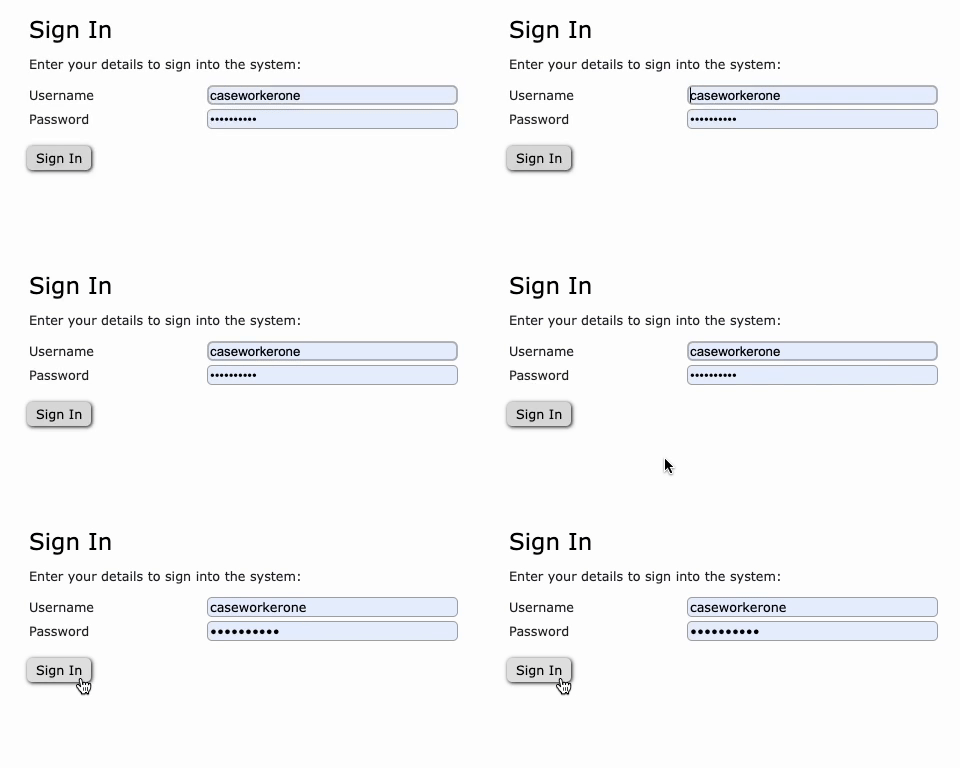
To log in to Case Manager, type your username and password into the fields shown below and click 'Sign In'.⬇
How to log in to Case Manager via Single Sign-On (Microsoft)
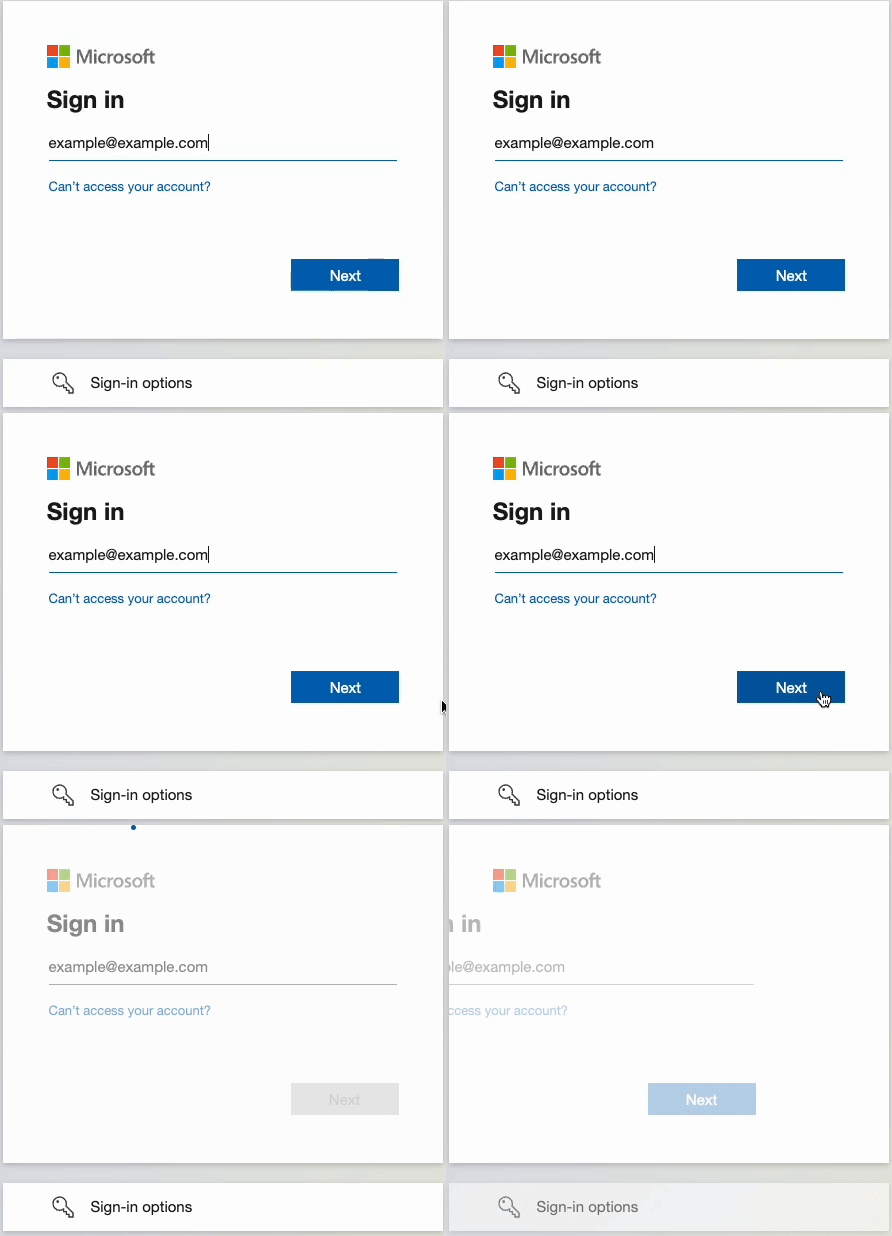
To log in to your Case Management system via Microsoft Single Sign-On, enter your Microsoft account details as shown below:
How to log in to Case Manager via Single Sign-On (Google)
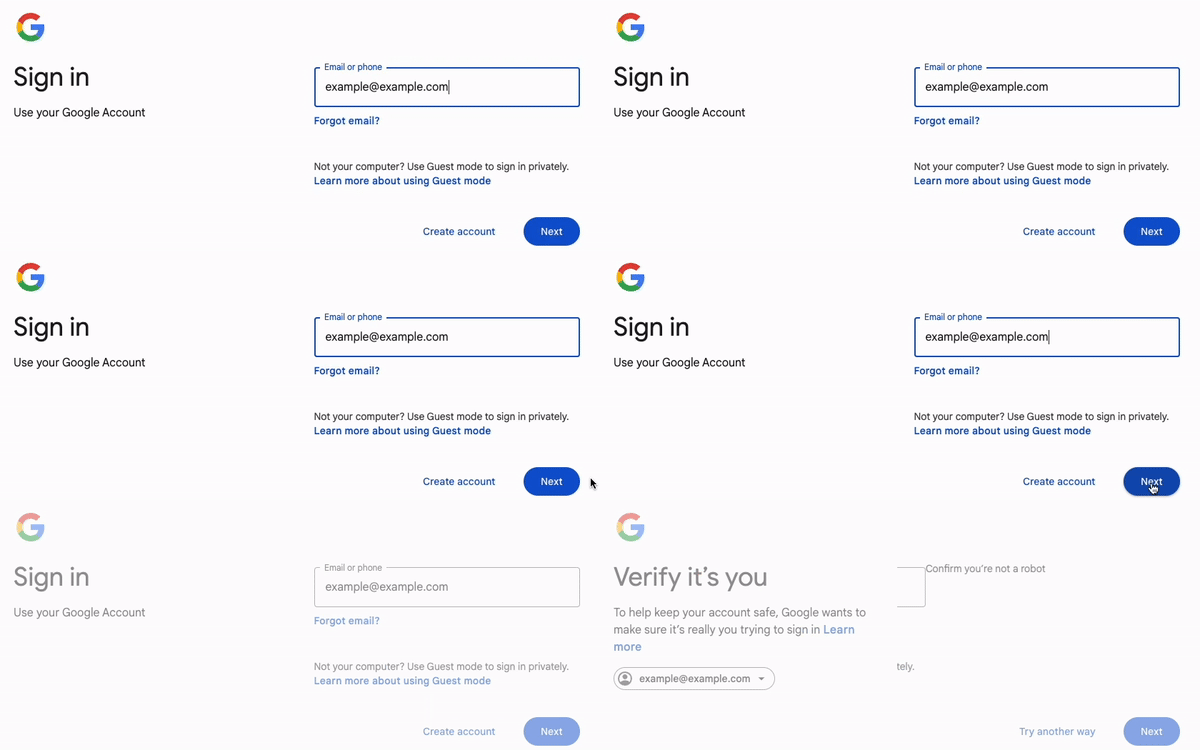
To log in to your Case Management system via Google Single Sign-On, enter your Google account details as setup with your organisation:
Having trouble signing in with single sign-on? Please see our trouble shooting guidance click here.
As always, if you have any questions or concerns please reach out to us at support@iizuka.co.uk.
Ricky Astle
Comments